Transfr.
Zero-friction file transfer.
Direct to chassis.
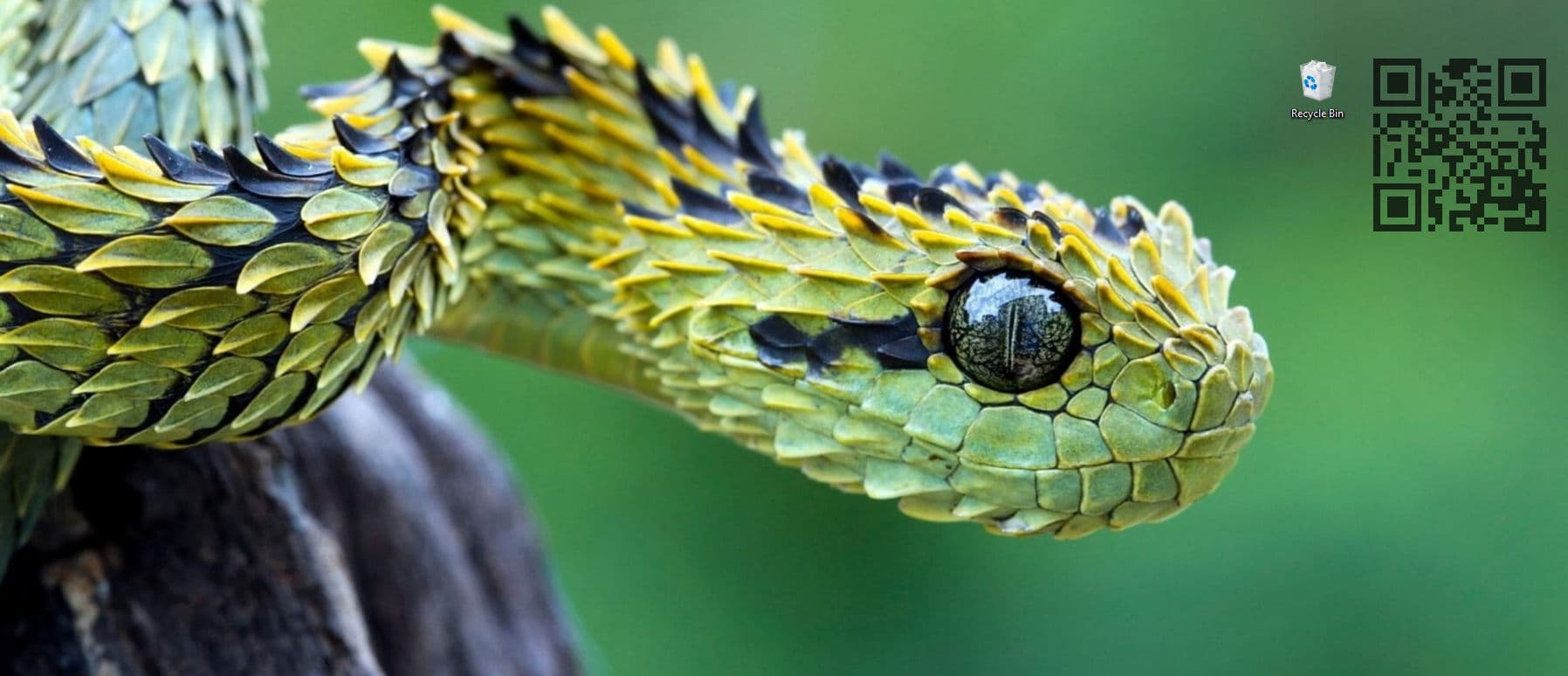
Transfr is a simple desktop QR widget designed to eliminate the friction of mobile-to-desktop image and file transfer. No cloud intermediaries, no compressed messaging apps, and no paired Bluetooth handshakes.
the binaryComing Soon
Instant file transfer over your
local area network.
Transfr operates entirely on your LAN, utilizing a dynamic, safe-port Axum backend to establish an instant connection between your mobile device and your desktop environment.
Scan the QR widget, tap the upload button on your mobile device, and watch as high-resolution assets instantly materialize on your host machine.
We hate latency too.
Engineered for maximum performance and a low memory footprint using Tauri 2.0 & Tokio/Axum. Asset parsing, Base64 encoding, and binary chunking are handled entirely in memory. Is it overkill? Maybe a little. Does it run fast? Absolutely.
It's time to stop emailing yourself.
Transfr runs a tiny, ephemeral local server on your desktop. Your mobile device connects to this server over your LAN, allowing for instant file transfer without the need for cloud intermediaries or third-party messaging apps.
For when you just need to
transfer a file.
Direct-to-Clipboard Ingest
Images transferred from mobile are instantly decoded, written to an off-screen canvas, and injected directly into the desktop's native clipboard as raw PNG binary. Ready to paste into Figma, Photoshop, or your IDE immediately.
Autonomous Auto-Save
Map a permanent landing directory on the host machine. Transfr will silently route incoming payloads to this destination without invoking system dialogs or interrupting your workflow.
Dual-Routing
Configure the pipeline to save assets to physical disk while simultaneously loading them into the system clipboard. Maximum efficiency with zero extra clicks.
Architectural Customization.
Yes, you can make the window background completely transparent.
Engineered to give you absolute control over the UI. Shift the QR's RGBA values, absolute backdrop hex, and accent tones to match your exact desktop aesthetic.
Try the live, 1:1 replica of the Transfr settings interface here to see the styling engine in action.
Transfr Config.
_
Intelligent Software for an intelligent future.